
Unbiased headlines. Facts, not spin.
Unbiased Headlines is an independently owned news organization. We bring you the facts, not opinions, written fresh from 110+ named sources. Sources linked so you can verify it yourself.
 tech
Notable (6/10)
tech
Notable (6/10)
Google Adds Phone-Level Spyware Logging to Android, But You Have to Turn It On Yourself
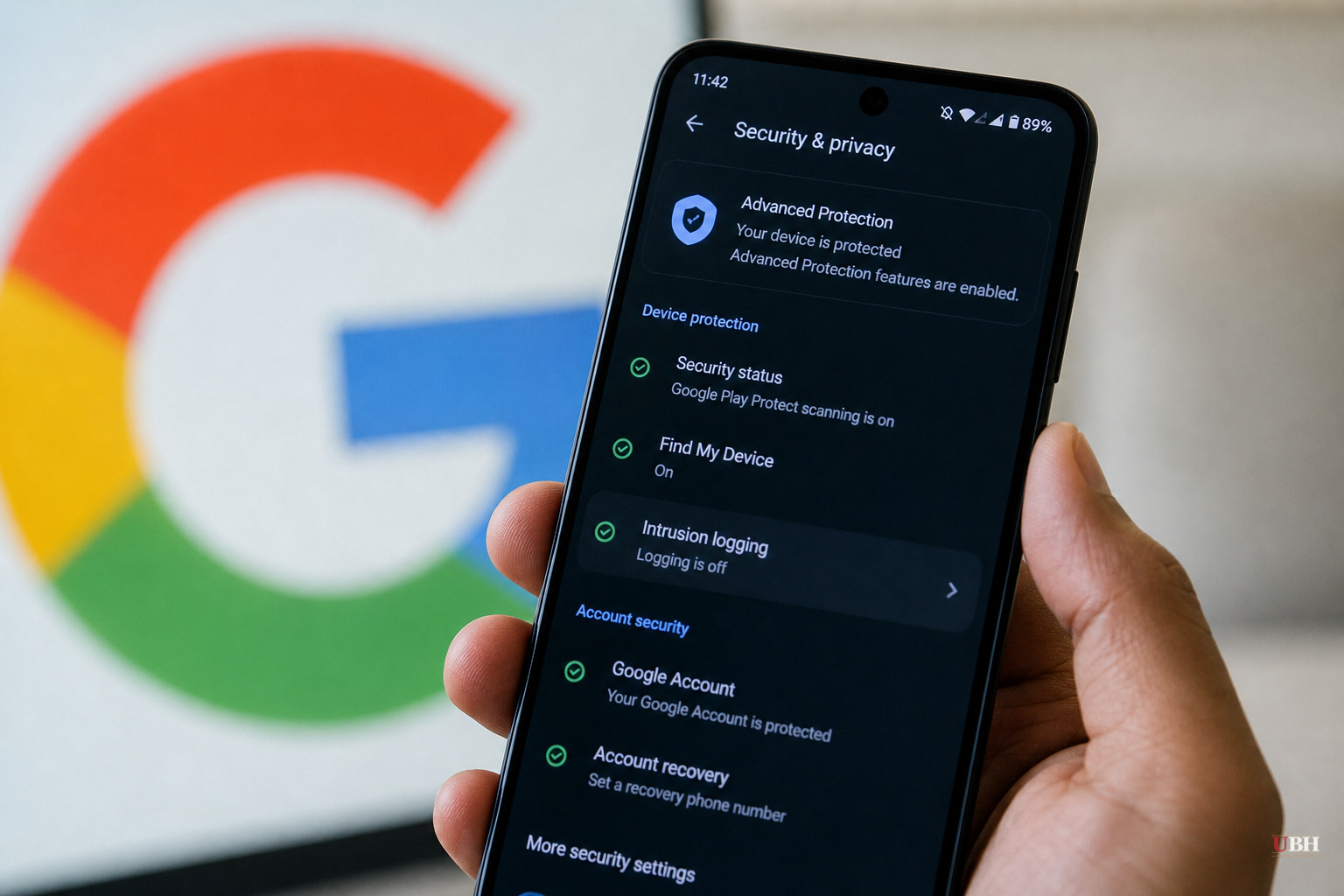
Google quietly handed Android users a tool that security researchers have wanted for years: an actual forensic log of what's happening on a phone, built specifically to help catch spyware.
The feature is called Intrusion Logging. It launched May 12 as part of Google's Android Advanced Protection Mode, according to Infosecurity Magazine, and has since been folded into the broader security overhaul that came with the Android 17 update. It is not turned on by default. Users have to go find it.
What It Actually Logs
Once enabled, Intrusion Logging pulls from Android's SecurityLog API and tracks a specific list of events: app installs, deletions and updates; network connections including DNS queries, IP addresses, and Wi-Fi and Bluetooth status; Bluetooth file transfers; changes to system certificates; and phone lock and unlock events, according to ZDNET.
That's a real paper trail. Historically, Android has given users almost nothing like this. ZDNET, whose reporter has a Linux background and is used to granular system logs, called the absence of this kind of logging on Android a long-standing gap that Intrusion Logging finally closes.
The logs are end-to-end encrypted and stored on Google's servers, but the decryption key is tied to the user's account password and screen lock, according to ZDNET. Google says it cannot read them. Neither can anyone else, unless the phone's owner deliberately decrypts and shares them.
Built With Amnesty International, Not Just Google
This wasn't a solo Google project. The feature was developed in partnership with Amnesty International's Security Lab and Reporters Without Borders' Digital Security Lab, according to Infosecurity Magazine. Those are the groups that do the actual grunt work of investigating spyware infections on journalists' and activists' phones.
Donncha Ó Cearbhaill, head of security at Amnesty Tech, praised the release, saying spyware forensic work has historically relied on "incidental logs that were never designed for security analysis and are too often partial and short-lived," according to Infosecurity Magazine. He said investigators can now potentially detect "advanced spyware, exploits, unauthorized physical access, even months after the fact."
Amnesty also flagged the obvious risk: if a user shares these logs with a forensic analyst to get help, browser history and other sensitive data go along with it. Amnesty's own May 12 report warned that "secure sharing of logs and informed consent are therefore more essential than ever."
Who Should Actually Turn This On
Google is positioning this squarely at people who face real targeting risk: journalists, government officials, corporate executives, campaigners and activists, according to both Infosecurity Magazine and a technical breakdown from Athena Forensics. This isn't aimed at the average person worried a shady app is tracking their location for ad purposes.
Enabling a stronger protection mode can create friction with everyday apps and features, according to Vertu, which recommends users understand the trade-offs before flipping the switch. A stronger security posture isn't free. It can break app functionality that ordinary users rely on. For someone at real risk of state-sponsored spyware like Pegasus, that's a fair trade. For someone worried a weather app is too nosy, it's overkill.
How to Turn It On
For Pixel devices running Android 16 or later with Advanced Protection Mode enabled, the path is: Settings, then "Security & privacy," then Advanced Protection, then scroll to Intrusion Logging and flip it on, according to ZDNET. Users need a Google account linked to the device.
To pull the logs later, go back to that same settings page, tap "Access logs," then "Download & decrypt," verify identity with biometrics, a PIN or a password, then retrieve the resulting zip file through the Files app or a similar archive tool, according to ZDNET's walkthrough.
Google says it plans to expand Intrusion Logging beyond Pixel devices, according to Infosecurity Magazine, though no firm timeline has been given. Right now it's opt-in and Pixel-first. Anyone on other Android hardware waiting for this feature is still waiting.
The Limits
This is a logging tool, not a shield. It won't stop an infection. It documents one after the fact, and only if a user turned it on before the attack happened. Enable it after the fact and there's nothing to look back on.
Amnesty International, in parallel, released updates to its own open-source forensic tools, AndroidQF and the Mobile Verification Toolkit, according to Infosecurity Magazine, giving investigators more ways to extract and analyze evidence independent of Google's system. Whether Intrusion Logging becomes standard equipment for at-risk users or a niche feature most people never discover buried in a settings submenu depends on whether Google pushes it beyond Pixel and whether it's ever made the default for Advanced Protection users rather than something they have to dig for.
Sources used for this briefing
4 links from 4 independent newsrooms (syndicated copies of the same report count once)
These are the sources it draws on, linked so you can verify.