
Unbiased headlines. Facts, not spin.
Unbiased Headlines is an independently owned news organization. We bring you the facts, not opinions, written fresh from 110+ named sources. Sources linked so you can verify it yourself.
 tech
Low Interest (4/10)
tech
Low Interest (4/10)
Fake LastPass Security Emails Are Tricking Users Into a Bogus DocuSign Page
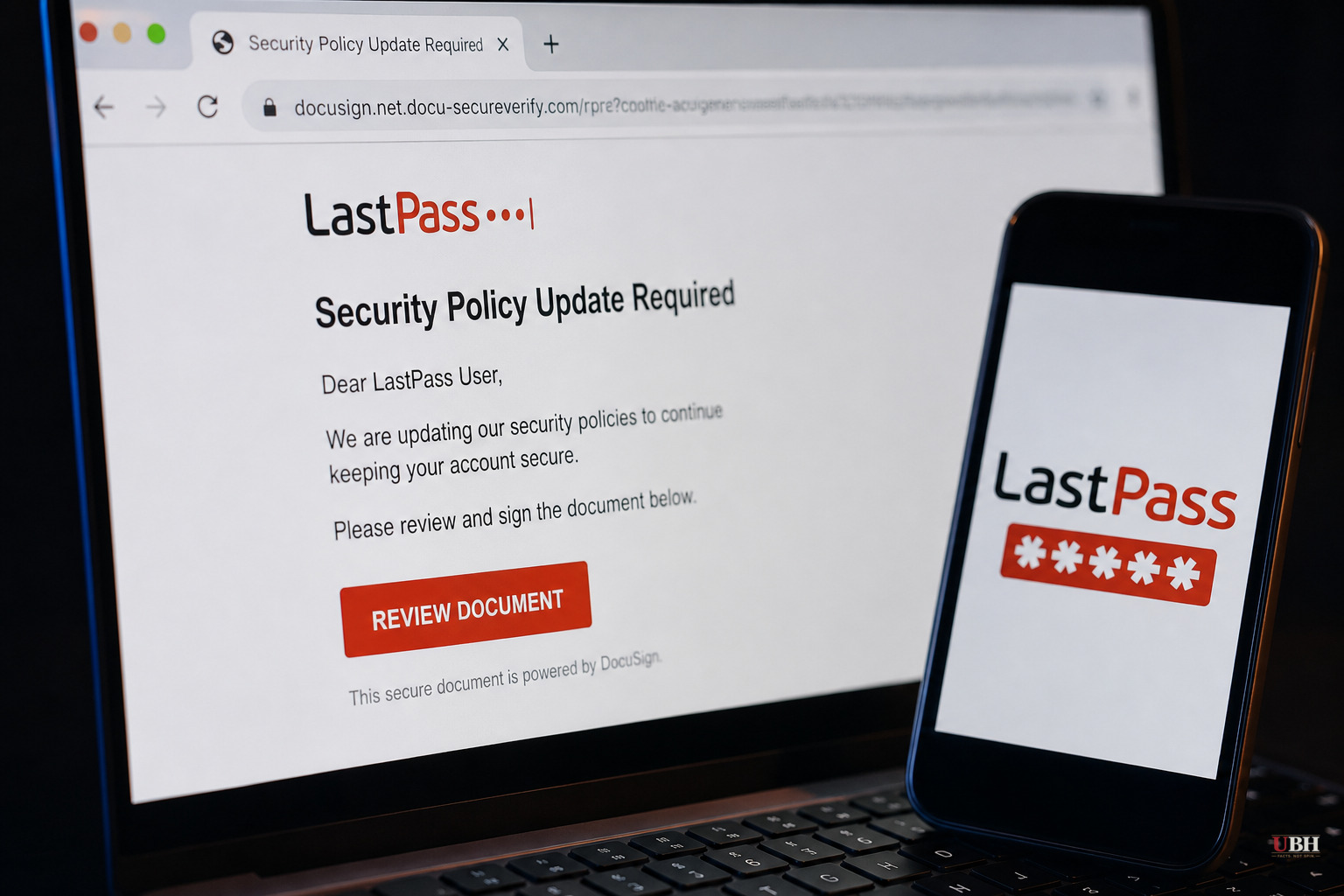
LastPass is warning customers about a phishing campaign built to look like a routine company notice, then trick people into downloading malicious software. The emails come from the address hello@lastpassnewsletter.com, a domain LastPass says has no connection to the company. The subject line reads "Action Required: Review Updated LastPass Security Policies." The body claims LastPass rolled out changes including enhanced SaaS monitoring, new admin-console features, and the ability for administrators to reset master passwords. None of that is a real LastPass update. It is designed to sound like one. The email includes a "Review & Access Terms" button. Clicking it sends victims to a second fake site, lastpasscompliance.com, built to mimic DocuSign's document-review interface. From there, the page pushes users toward downloading software that delivers malware. LastPass has confirmed its own systems and infrastructure were not compromised in this campaign, according to Fox News. It is the brand being impersonated to get people to lower their guard. A message about "security policy changes" from a password manager sounds exactly like the kind of email a real company would send. Most people don't check sender domains character by character, and a convincing DocuSign clone adds a second layer of false legitimacy before the malicious download ever appears. Attackers increasingly rely on AI tools to generate polished, error-free phishing pages that impersonate trusted brands at scale. Google general counsel Halimah Delaine Prado has described this shift publicly, pointing to AI-powered phishing operations tied to networks in China that have impersonated companies like T-Mobile to defraud hundreds of thousands of Americans, according to Fox News. The LastPass campaign appears to be part of that same trend of professional-grade fake branding, not a one-off amateur scam. A few basic habits stop most of these attacks. Check the actual sending domain, not just the display name, before clicking anything. Hover over links to see the real destination URL rather than trusting button text. Go directly to a company's official site or app to check for account or policy notices instead of clicking through an email. And treat any message urging immediate action on your master password or vault access with extra suspicion, since legitimate password managers rarely ask you to "review terms" through a third-party e-signature page. If you've already clicked through on this specific campaign, changing your LastPass master password directly through the official app or website and running a malware scan on any device where you downloaded a file are the immediate next steps. LastPass has not said how many users received the phishing emails or whether the campaign is tied to a specific known threat group. It's also not yet clear whether any victims who downloaded the software have reported compromised accounts or financial losses. Those details would help establish the actual scale of the threat rather than just the mechanics of how it operates.
Sources used for this briefing
1 link from 1 independent newsroom (syndicated copies of the same report count once)
These are the sources it draws on, linked so you can verify.