Unbiased headlines. Facts, not spin.
Every story is an unbiased news briefing written from 110+ sources across the spectrum — sources linked so you can verify it yourself.
 tech
Low Interest (3/10)
May 24, 2026 at 02:43 PM
tech
Low Interest (3/10)
May 24, 2026 at 02:43 PM
Fake CAPTCHA Scam Tricks You Into Installing Your Own Malware Using Windows Built-In Tools
The Con Is Simple. The Damage Is Not.
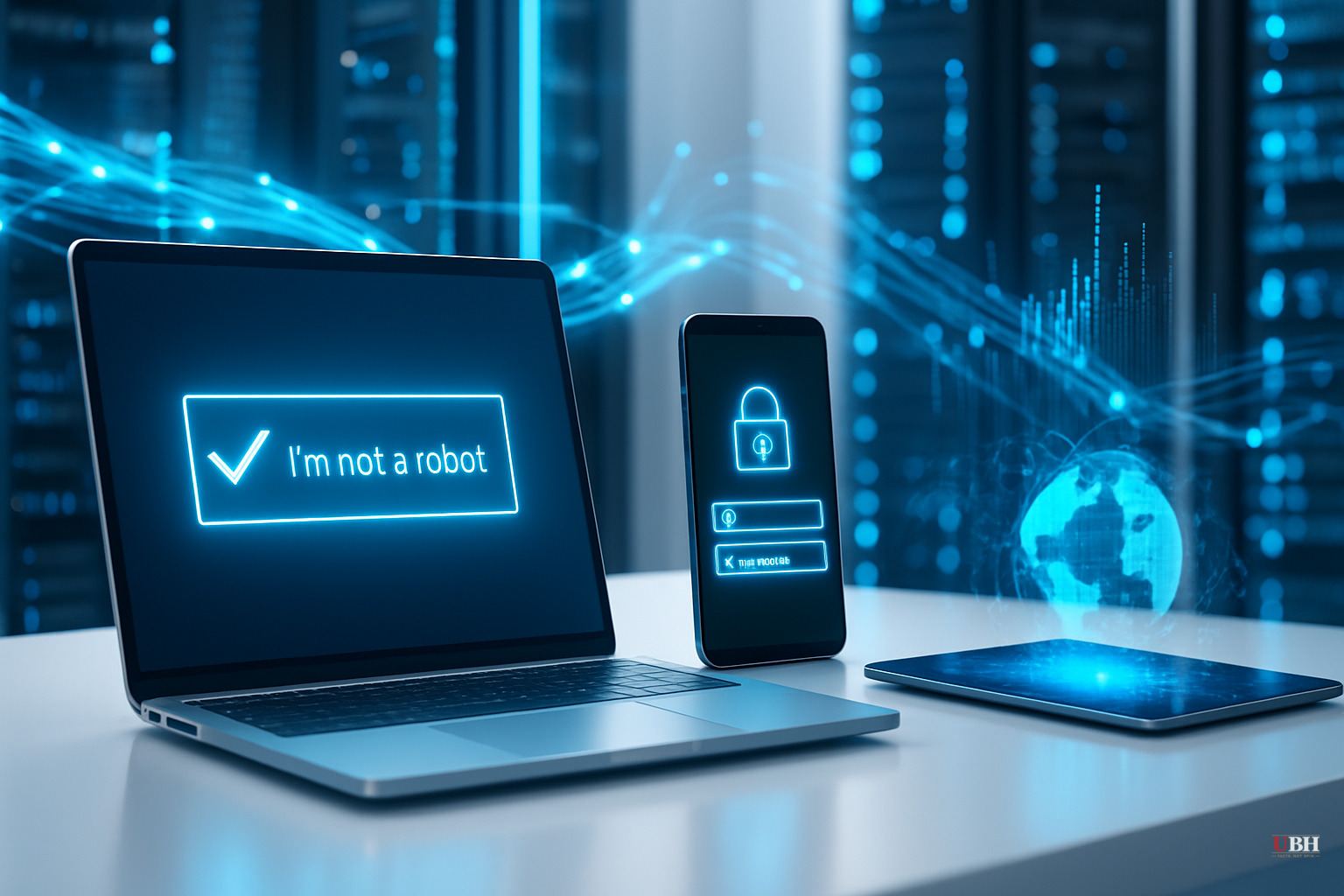
You land on a website. Maybe it promised a movie stream, a news article, a music file. A CAPTCHA pops up. Normal. You check the box.
Then it asks you to do something unusual: press Windows Key + R, then Ctrl + V, then Enter.
That's it. You just infected your own computer.
What's Actually Happening Under the Hood
According to Malwarebytes security researcher Pieter Arntz, the moment you checked that first checkbox, the website silently wrote a malicious command to your clipboard — without you knowing.
The instructions that follow are designed to make you open Windows' built-in Run dialog, paste whatever is in your clipboard, and execute it. You never see what you're running. The visible text — something like "reCAPTCHA Verification ID: 8253" — is just a decoy comment tacked onto the END of the command string.
The actual command is buried at the front. It typically calls mshta.exe — a legitimate, Microsoft-signed Windows executable — to silently fetch and run an encoded file from a criminal-controlled server. That file might be named something like "video.mp4" or "audio.mp3." It's not a media file. It's an obfuscated PowerShell script that runs invisibly in memory and downloads the real payload.
Because it runs in memory, traditional file-based antivirus often misses it entirely.
The Payloads Are Serious
Trend Micro researchers Buddy Tancio, Khristoffer Jocson, and colleagues published findings on May 19, 2025, identifying specific malware families deployed through this method: Lumma Stealer, Rhadamanthys, AsyncRAT, Emmenhtal, and XWorm.
These tools steal passwords, browser cookies, crypto wallet data, and corporate credentials. AsyncRAT and XWorm give attackers persistent remote access to your machine — meaning they can sit inside your system for weeks, watching everything.
Trend Micro flagged a surge in these cases through their Managed Detection and Response investigations. The attack vectors include phishing emails, malicious ads (malvertising), SEO poisoning — meaning fake pages deliberately ranked high on Google searches — and compromised legitimate websites.
This Isn't New. It's Getting Worse.
Malwarebytes first documented the clipboard-hijacking CAPTCHA technique in detail in March 2025. At that point, Arntz noted the attacks had originally been targeted — aimed at corporate employees who could give criminals a foothold inside company networks. That's changed. The scam has scaled up and is now hitting everyday users indiscriminately.
The Identity Theft Resource Center, cited by Fox News, is now issuing public warnings about the scam. When the ITRC starts warning general consumers, the threat has already moved well past the technical community and into mainstream targeting.
What Mainstream Coverage Is Getting Wrong
Most headlines treat this as a generic "new phishing scam" story. This attack is different in a critical way: no malicious file ever touches your hard drive in the traditional sense. The payload runs in memory. Standard "don't download files from strangers" advice doesn't work here. You're not downloading anything — you're executing a command that makes Windows do the downloading for you, using tools Microsoft intentionally built into the operating system.
This means the usual consumer advice — "check the file extension, scan your downloads" — doesn't apply. Media coverage that buries that distinction misleads readers.
How to Actually Protect Yourself
Real CAPTCHAs do NOT ask you to press keyboard shortcuts or open command windows. Period. Full stop. If any verification screen asks you to touch the Windows key, open a Run dialog, or paste anything — close the browser tab immediately.
Malwarebytes recommends running a full antivirus scan if you think you've been hit, deleting any recent downloads, and changing passwords from a separate, clean device. Don't do it from the potentially compromised machine.
Trend Micro recommends organizations disable access to the Windows Run dialog via Group Policy, restrict PowerShell execution for standard users, and block mshta.exe from accessing the internet at the firewall level.
For regular people: keep your browser updated, consider a reputable security tool that monitors in-memory execution, and treat any unexpected keyboard instruction from a website as a red flag — no matter how legitimate the page looks.
Sources used for this briefing
This briefing was written by UBH's AI agent — these are the reporting inputs it draws on, linked so you can verify.