
Unbiased headlines. Facts, not spin.
Every story is an unbiased news briefing written from 110+ sources across the spectrum — sources linked so you can verify it yourself.
 tech
Low Interest (4/10)
July 4, 2026 at 09:50 PM
tech
Low Interest (4/10)
July 4, 2026 at 09:50 PM
Apple's Assistive Access Feature Lets Parents Lock Down an iPhone Better Than Any Paid App
The Problem Every Parent Hits
You want your kid to have a phone for safety. You do NOT want your kid to have the internet in their pocket at age ten.
That tension has fueled a small industry of "dumb phone" products and parental-control apps. The Wired article by Jeremy White walks through exactly this dilemma: his son is about to walk to school alone, needs maps and the ability to call home, but is nowhere near ready for unrestricted social media and browser access.
White looked at classic Nokia handsets. Problem: maps and navigation require a data connection, so a true dumb phone leaves a kid stranded if he gets lost. He looked at third-party apps like Dumb Phone for iPhone and Minimalist Phone for Android. Problem: both charge a subscription fee to remove functionality from a device you already own.
The answer was already inside iOS, untouched.
What Assistive Access Actually Does
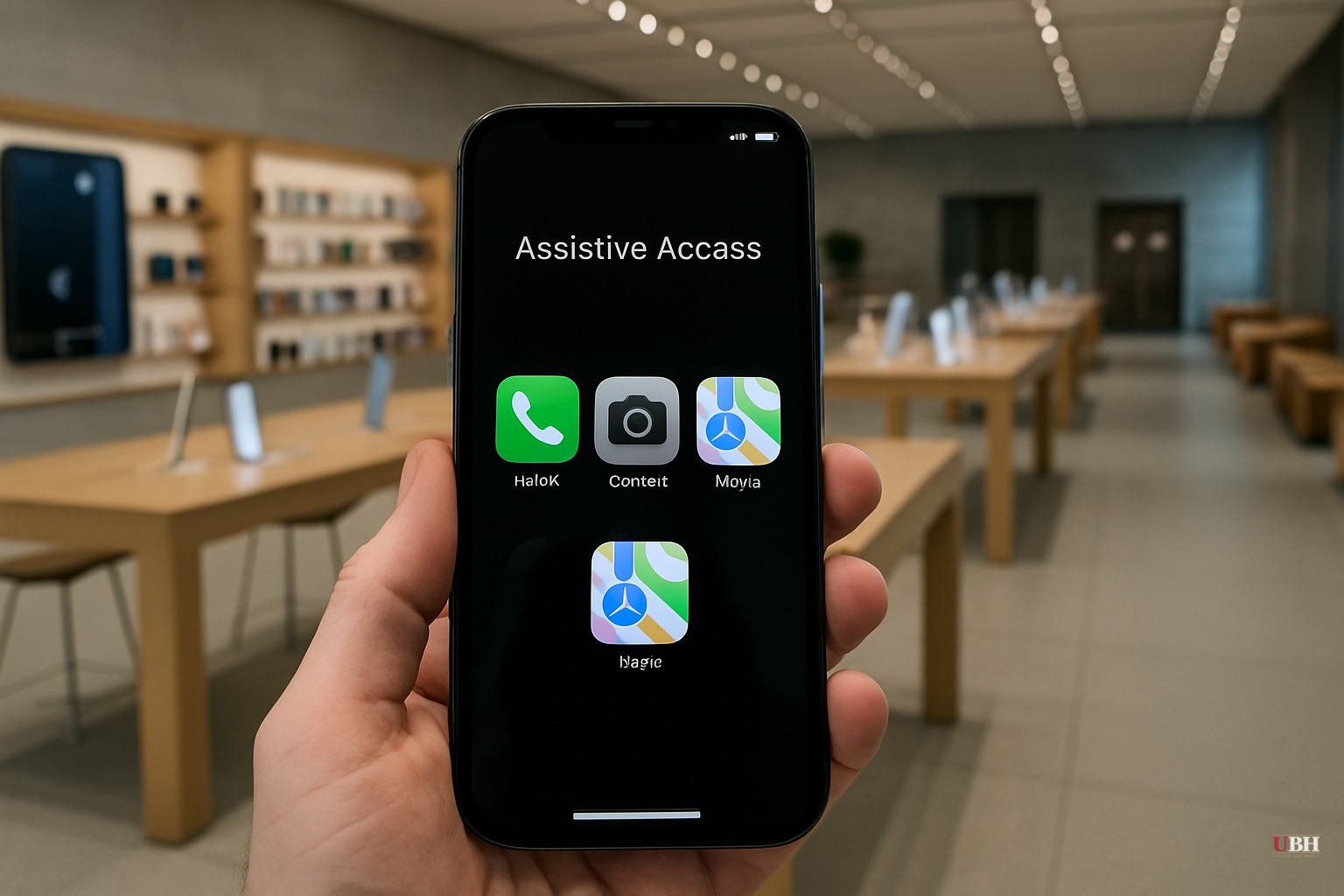
Apple introduced Assistive Access with iOS 17. The company built it for people with cognitive disabilities. The interface strips iOS down to large, tile-based icons, fewer menus, and a dramatically simplified experience.
For parents, those same properties are exactly what you want on a child's first phone. The setup lives at Settings > Accessibility > Assistive Access, buried well below the features most people ever reach.
According to Wired's reporting, once configured, a parent can specify precisely which apps appear on the device. Maps can stay. Phone and Messages can stay. Safari, the App Store, social apps are gone from the interface entirely. The child cannot navigate around what isn't there.
Critically, this addresses the specific Safari workaround problem White identified: even when Apple's Screen Time restrictions block the Safari app icon, kids have found ways in through links sent via Messages. Assistive Access sidesteps that by restructuring the entire interface rather than just hiding an icon. In Assistive Access, the system treats any link in a message as plain text, preventing the user from accidentally leaving the simplified interface.
Apple Doesn't Talk About This
Apple's own iOS 18 announcement, released June 10, 2024, runs thousands of words covering customization, the Photos redesign, Apple Intelligence, satellite messaging, and generative AI. Assistive Access gets no mention in that release.
The feature isn't new or secret. It shipped with iOS 17. But Apple has consistently positioned it as an accessibility accommodation rather than a parental tool, and has done essentially nothing to surface it for that second use case.
Parents are paying for third-party solutions or buying separate hardware when a native, free option already exists on the iPhone sitting in a drawer.
The Strongest Counterargument
Parents who distrust this approach have a fair point: Assistive Access was designed for a different population, and Apple hasn't officially supported or documented it as a child-safety tool. That means no guarantee the feature stays configured as a parent left it after a software update, no customer support framing around kid-specific use cases, and no promise Apple won't change the feature's scope in a future iOS release without notice to parents who've built a household policy around it.
Those considerations apply to paid third-party apps too. Those apps carry an additional subscription cost with no stronger stability guarantee.
What It Doesn't Fix
Assistive Access is NOT a complete parental control suite. It controls the interface and app access. It doesn't provide content filtering within allowed apps, screen time scheduling, or the communication monitoring that dedicated parental platforms offer.
Parents who want granular time limits or the ability to remotely adjust settings still need Apple's Screen Time tools or a third-party service layered on top. Assistive Access is a floor, not a ceiling.
The Setup
White's chosen configuration for his son includes exactly six apps: Calls, Messages, Maps, Camera, Photos, and Music. No browser. No App Store. He took an old, unused iPhone 13 and turned it into what he calls "the best six-app dumb phone money hasn't bought." The child can call home, navigate if lost, listen to music, and take photos. That's it.
The large tile interface Apple designed for cognitive accessibility turns out to be genuinely appropriate for young children encountering a smartphone for the first time. It's easier to read and harder to get lost inside.
The Open Question
Apple has shown no public indication it plans to formally position Assistive Access as a parental tool, add documentation for that use case, or integrate it with the existing Screen Time / Family Sharing infrastructure that parents already manage through their Apple ID. Whether the company ever bridges that gap, or whether parents continue discovering this by accident through tech journalists, is entirely unresolved as of today.
Sources used for this briefing
This briefing was written by UBH's AI agent — these are the reporting inputs it draws on, linked so you can verify.