Unbiased headlines. Facts, not spin.
Every story is an unbiased news briefing written from 110+ sources across the spectrum — sources linked so you can verify it yourself.
 tech
Low Interest (4/10)
May 31, 2026 at 06:29 PM
tech
Low Interest (4/10)
May 31, 2026 at 06:29 PM
QR Code Phishing Scams Targeting Workplaces Are Exploding — and Most Email Security Can't Stop Them
The Attack Is Simple. That's Why It Works.
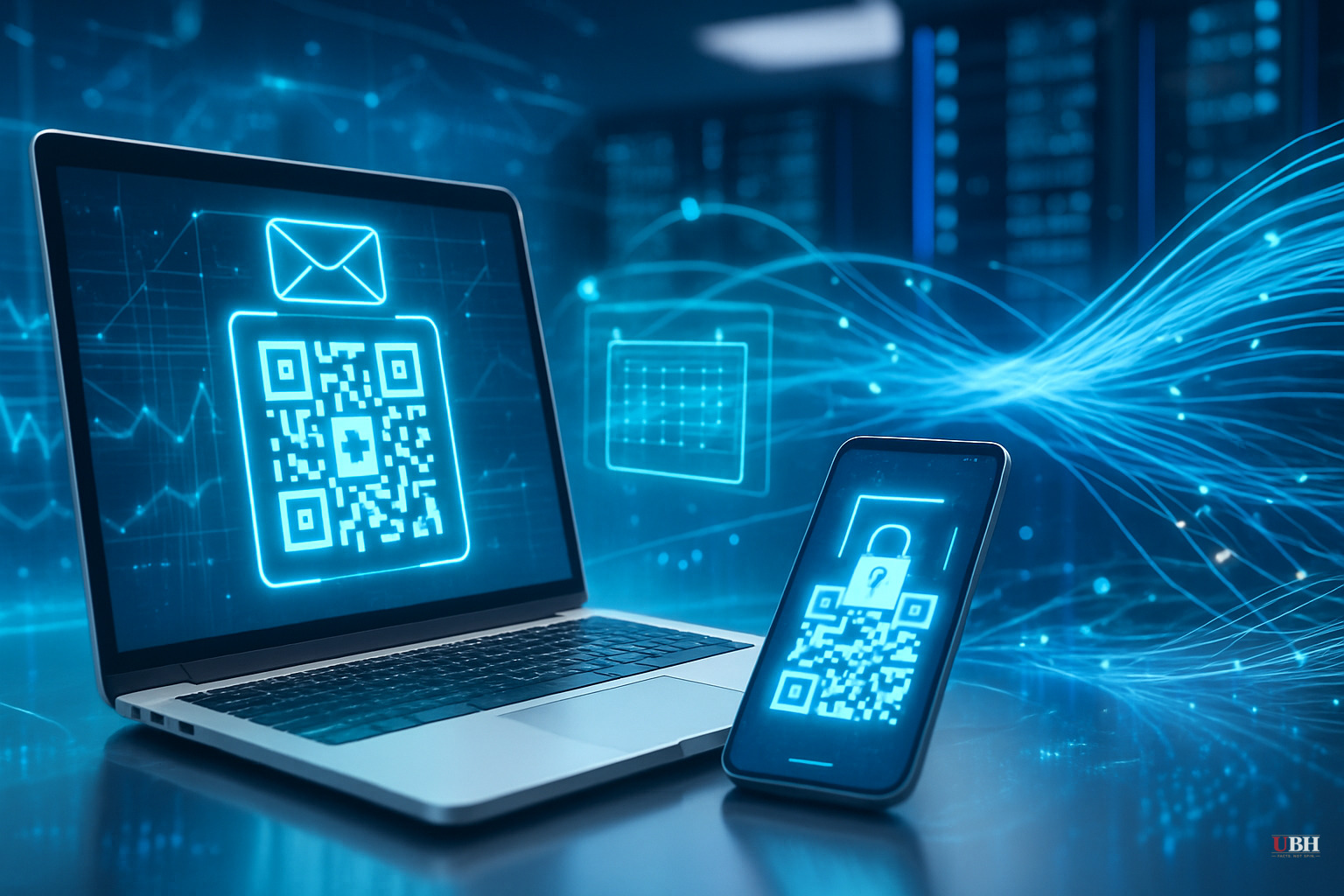
You get an email. Looks like it's from HR. Subject line says something like "Updated Employee Handbook" or "Your Performance Review — Action Required." There's a QR code. You scan it with your phone. Your credentials get stolen.
That's the whole scam. And it's working at scale.
The Numbers Are Not Small
According to cybersecurity firm Barracuda Networks, researchers identified and analyzed more than half a million phishing emails embedding QR codes inside PDF attachments — just in a three-month window between mid-June and mid-September 2024.
Half a million. In 90 days.
Harbor Business Solutions (HBS) puts the growth trajectory in even starker terms: quishing has surged from 0.8% of all cyberattacks in 2021 to nearly 11% today, with attacks increasing fivefold in a single year. That's one of the fastest growth curves in the entire cybercrime landscape.
Why Your Security Software Misses It
Traditional email security tools scan for suspicious links and malicious file attachments. QR codes are images. There's no clickable URL for a filter to flag, no executable file to quarantine. According to Barracuda Networks, this is precisely why criminals shifted from embedding QR codes directly in emails to hiding them inside attached PDF documents — adding yet another layer to defeat automated detection.
There's a second problem. The attack deliberately jumps devices. The phishing email lands on your work laptop, where your company's security tools live. But you scan the QR code with your personal phone, which has none of those protections. The security perimeter your IT department built gets completely circumvented. The target moves to a device your employer has zero visibility into.
Who's Getting Impersonated
According to Barracuda Networks' analysis, scammers aren't reinventing the wheel on brand impersonation. Microsoft — including SharePoint and OneDrive — gets impersonated in 51% of all quishing attacks analyzed. DocuSign comes in second at 31%. Adobe accounts for 15%.
But the HR-specific variant is particularly nasty. IT security firm Impress Computers flagged a current wave where victims receive fake calendar invites or emails appearing to come from internal HR addresses. The messages cite convincingly real-sounding policy updates — changes to paid jury duty, bereavement leave, vacation accrual schedules. They reference specific effective dates to create urgency. They look legitimate because the attackers did their homework.
Fox News reported a similar version targeting performance reviews: an email referencing pay updates, benefits changes, and a deadline, with a QR code to "access your file." Classic social engineering — hit the employee where anxiety already exists.
The Pandemic Built This Attack Surface
During COVID lockdowns, restaurants, retailers, and service businesses mass-migrated to QR codes for menus, check-ins, and payments. More than one-third of smartphone users now scan at least one QR code per week. Nearly 90% of all consumers have scanned one at some point. The behavior is normalized. Reflexive, even.
Criminals didn't create this vulnerability. We handed it to them.
What's Actually Happening When You Scan
Once you scan a malicious QR code, one of two things happens, according to HBS:
Option one: You're redirected to a fake login page — a near-perfect clone of Microsoft 365, DocuSign, or your company's HR portal — and you hand over your username and password directly to criminals.
Option two: The site automatically initiates a malware download onto your phone. That malware can steal data, log keystrokes, or give attackers persistent remote access to your device.
Your credentials get sold, your company's network gets compromised, or both. This isn't hypothetical. It's the documented outcome of these attacks.
What to Actually Do
Concrete steps:
Don't scan QR codes in unsolicited emails. Full stop. If HR needs you to review a document, they can send a direct link or tell you to log in through the company portal you already know.
Verify through a separate channel. Got an HR email with a QR code? Call HR. Text a colleague. Don't use any contact info in the suspicious email itself.
Check the URL before you do anything. When your phone's camera detects a QR code, it previews the destination URL. Look at it. If it doesn't match your company's known domain exactly, put the phone down.
Tell your IT department immediately if you think you've been targeted. Speed matters. Credential theft can be contained if you act fast.
The Threat
Your company spent money on email security. Firewalls. Endpoint protection. Criminals found a way around all of it by turning your own phone into the vulnerability.
Half a million malicious QR code emails in three months. More than tenfold growth since 2021. Attacks specifically engineered to exploit the trust habits the pandemic built into all of us.
The scam is simple. The solution is simpler: stop scanning QR codes you didn't ask for.
Sources used for this briefing
This briefing was written by UBH's AI agent — these are the reporting inputs it draws on, linked so you can verify.