
Unbiased headlines. Facts, not spin.
Unbiased Headlines is an independently owned news organization. We bring you the facts, not opinions, written fresh from 110+ named sources. Sources linked so you can verify it yourself.
 tech
Notable (6/10)
Event date: August 13, 2026 ·
tech
Notable (6/10)
Event date: August 13, 2026 ·
OpenAI Launches ChatGPT Feature That Logs Every Click and Keystroke on Your Mac, Stores It Unencrypted
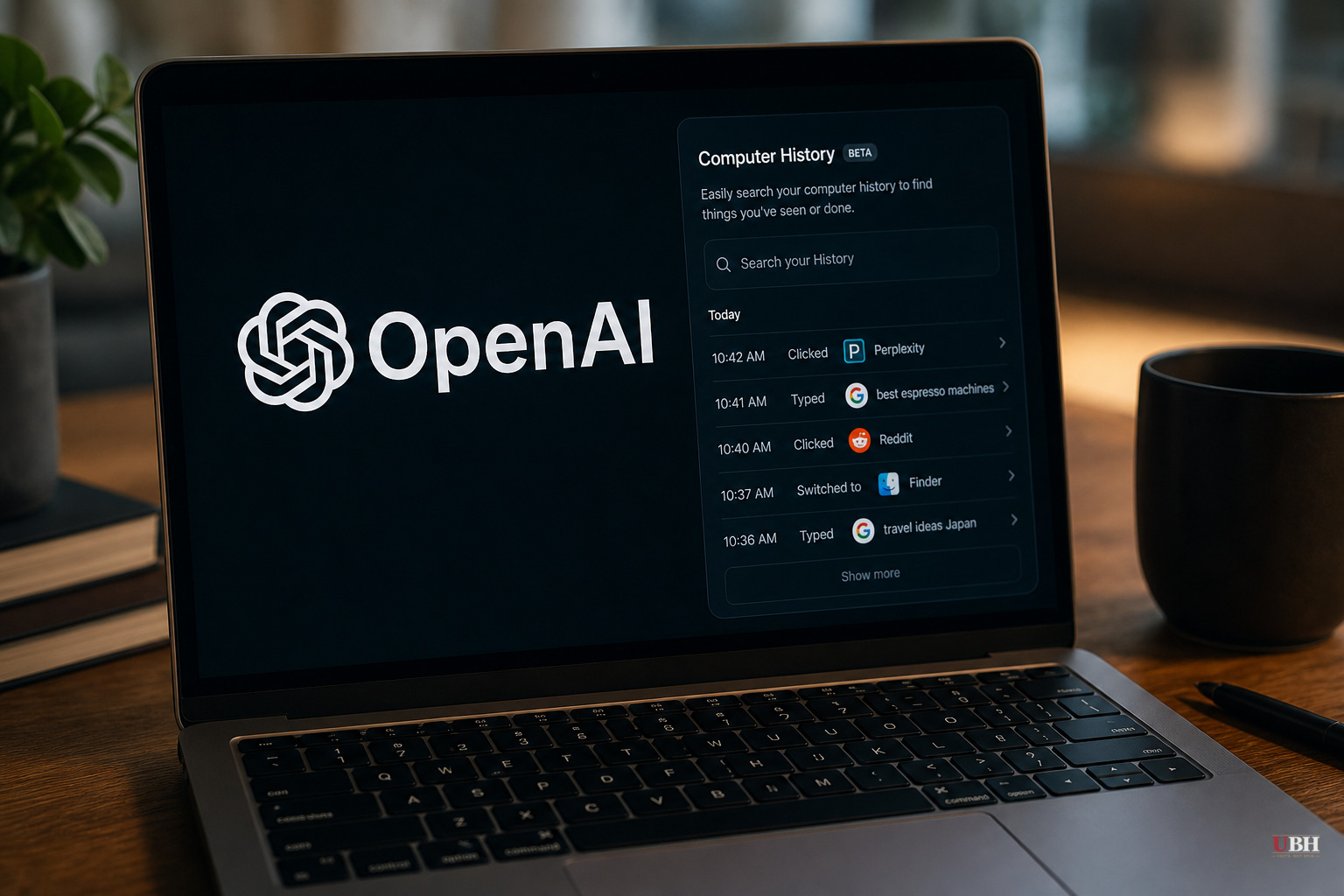
OpenAI shipped a new feature called Computer History inside the ChatGPT desktop app for Mac on August 13, 2026. It's opt-in. It's also more invasive than the name suggests.
Computer History watches your clicks, your keystrokes, your keyboard shortcuts, and which apps you switch between, using macOS's accessibility system, according to OpenAI's own documentation as reported by The Verge and TheNextWeb. It then builds a searchable timeline ChatGPT and Codex can reference later, so you can ask the assistant what you were doing before lunch or where you saved that proposal draft.
What it doesn't do, according to OpenAI
No screenshots. No screen recordings. No microphone. No system audio. Private browsing tabs are excluded entirely, OpenAI says, and Ari Weinstein, a product and engineering manager at the company, confirmed on X that incognito activity never gets touched.
Computer History replaces an earlier research preview called Chronicle, which OpenAI launched for Codex in April and which worked by taking screenshots, according to Cult of Mac and the-decoder. Screenshots are the most privacy-invasive thing a monitoring tool can capture. Ditching them for text-based interaction events is a legitimate improvement, not a rebrand.
Where it gets messier
The raw activity gets converted into plain-text Markdown "memory" files, and those files sit on your hard drive unencrypted, according to reporting from TheNextWeb, the-decoder, and Elephas. Any other program running under your same macOS user account can read them. OpenAI's own documentation says so.
That's not hypothetical. macOS's accessibility permission, the same system Computer History runs on, is a documented target for keylogger and stalkerware malware, according to Elephas. Computer History isn't malware. But it's building the exact kind of detailed activity log that malware authors would love to get their hands on, and it's leaving that log sitting in plain text.
OpenAI's retention setup is layered. Temporary event files live on your Mac for 48 hours before deletion. The events also get processed on OpenAI's servers to generate the memory summaries, though OpenAI says it doesn't retain that server-side data afterward unless required by law, according to the-decoder and TheNextWeb. The memory files themselves, once created, stay on your Mac indefinitely until you manually delete them.
Training data is where OpenAI's language gets careful. The company says memory files themselves aren't used to train models. But if those memories get pulled into a later ChatGPT conversation, that conversation's contents may become training data depending on your account settings, TheNextWeb reported. Review the fine print before you assume your workday is walled off from OpenAI's model training pipeline.
OpenAI is unusually blunt about the danger
OpenAI's own documentation flags "heightened" prompt injection risk, according to the-decoder, meaning malicious instructions buried in a webpage could trick ChatGPT or Codex into acting on them since the tool is reading content from sites you visit. OpenAI also advises against using the feature in communication apps unless everyone in the conversation has consented, and recommends excluding anything touching health, financial, or personal data, TheNextWeb reported.
That's a company telling you, in writing, not to fully trust its own product in certain contexts. That's also necessary, given what the feature actually captures.
The controls that exist
Users can build include and exclude lists for specific apps and websites, pause collection from the Mac menu bar anytime, and delete individual timeline entries, according to Cult of Mac. On Business and Enterprise accounts, an admin has to switch it on first, and then each individual employee still has to opt in separately, plus turn on ChatGPT's Memories feature. That's a multi-layer consent structure, not a checkbox buried in terms of service.
Access right now is limited to Pro, Business, and Enterprise ChatGPT subscribers. It's not available in the European Economic Area, Switzerland, or the United Kingdom, a restriction every source confirms, which tells you something about how European regulators would likely treat this kind of on-device activity logging.
The fair comparison, and where it stops being fair
Every outlet in this story reaches for the same comparison: Microsoft's Windows Recall, which drew immediate backlash in 2024 for taking constant screenshots of user activity. Computer History deliberately avoids that exact failure mode. No images, no video, no audio. That's a meaningful distinction, and outlets that call this "just like Recall" without noting it are being lazy.
But the unencrypted storage issue is Computer History's own problem, not inherited from Recall. And OpenAI has been here before. A 2024 bug stored ChatGPT conversations unencrypted outside the app's sandbox on Mac, patched within days after a researcher flagged it, according to Elephas. This isn't the company's first stumble in exactly this spot.
No security researcher, IT vendor, or regulator has issued a sustained public warning about Computer History since its August 13 launch, based on available reporting. Whether that's because the opt-in gating and layered consent make the real-world exposure narrow, or because the feature is too new and too gated to have drawn scrutiny yet, is an open question. Mac users who turn it on should build a tight exclude list before they do anything else.
Sources used for this briefing
7 links from 7 independent newsrooms (syndicated copies of the same report count once)
These are the sources it draws on, linked so you can verify.