
Unbiased headlines. Facts, not spin.
Unbiased Headlines is an independently owned news organization. We bring you the facts, not opinions, written fresh from 110+ named sources. Sources linked so you can verify it yourself.
 tech
Low Interest (3/10)
tech
Low Interest (3/10)
Google Drive Desktop Stops Backing Up Photos to Google Photos as of August 10, 2026
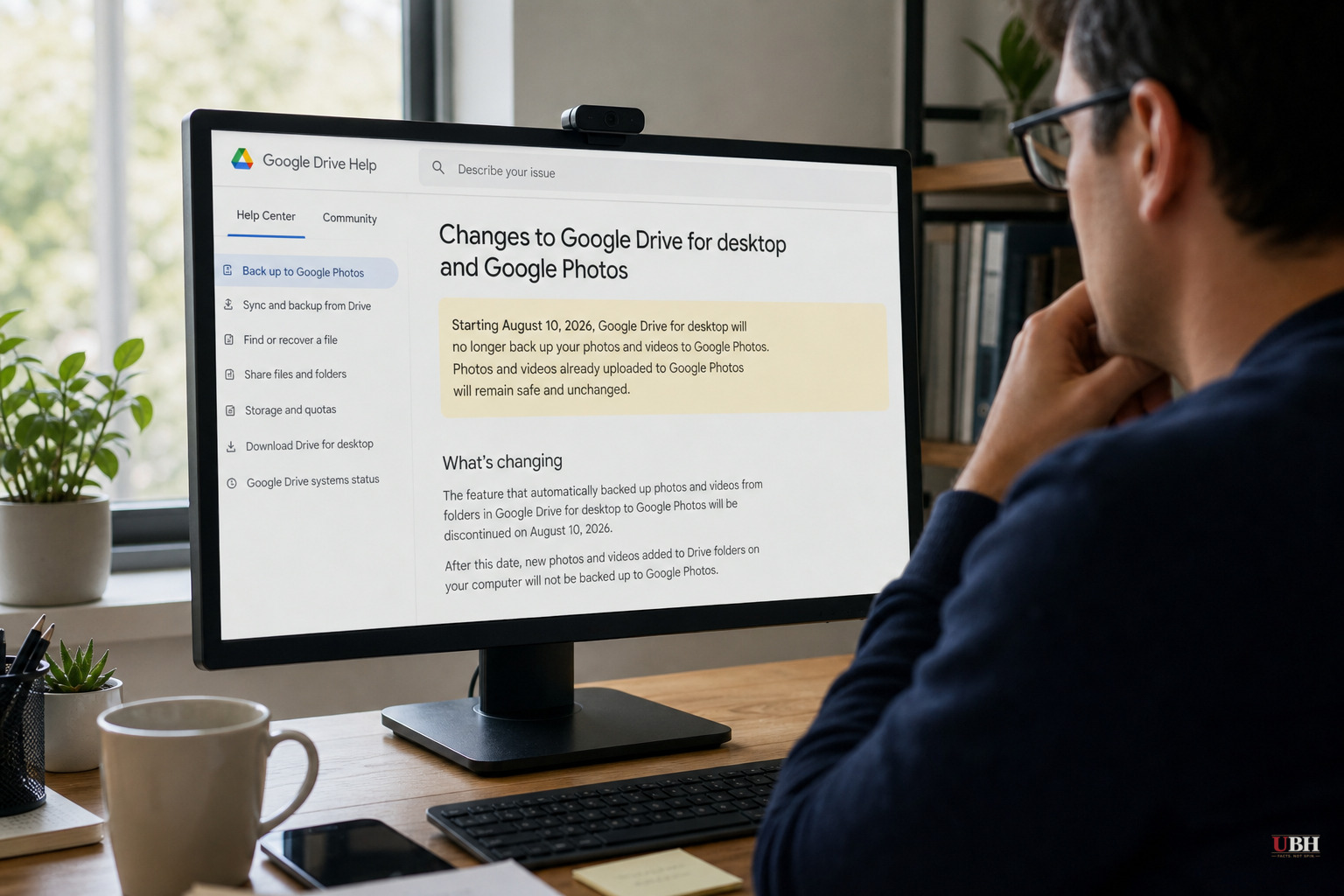
Google has pulled the plug on a feature a lot of desktop users didn't realize they depended on until it stopped working.
As of August 10, 2026, the Google Drive desktop app no longer supports automatic backup of photo folders to Google Photos, according to a Google support page cited by ghacks.net and confirmed by BGR, MakeUseOf, Android Police and the Times of India. For years, users could designate a folder on their computer, sync it with Drive, and have those photos and videos flow into Google Photos with zero extra effort. That bridge is now dead.
Google didn't do this overnight. The company flagged the change back in May 2026 through an updated support document and emails to subscribers, according to BGR. There were two deadlines. On June 15, 2026, Google stopped letting users set up new folders for Drive-to-Photos backup. Older folders that were already syncing kept working until August 10, when the whole connection shut off for good.
What Actually Changed
This is not Google Photos shutting down. It's not Google Drive going away either. Regular file syncing through the Drive desktop app continues exactly as before, according to the Times of India. The only thing gone is the specific pipe that pushed new photos from a Drive-synced folder into your Google Photos library.
Photos and videos already backed up through the old method are staying put, according to every outlet covering this, from ghacks.net to Android Police. Nobody's library is getting wiped. What's ending is future automation.
The New Workflow Is a Downgrade
Google doesn't have a standalone Google Photos desktop app. Never has. So the replacement for a background, automatic sync is a website you have to physically go to and keep open, according to BGR and Android Police.
To back up folders now, users go to photos.google.com, hit the "+" or "Create" button, and select "Back up folders." That works, but only while the browser tab or the Google Photos web app stays open. Close the tab, backup stops. There's also a separate Photos web app option that runs backups in the background, but it still needs to be open to function, according to BGR.
Cashify.in, an India-based tech and repair site, reported that the change has "frustrated some photographers and users with large libraries, who say the new workflow feels less seamless than the old Drive-based system." That's a fair complaint. Anyone managing thousands of RAW files or a serious photo archive just lost a hands-off backup method and got a browser tab in return.
A Reasonable Gripe, and a Reasonable Google Defense
The strongest complaint here is straightforward: Google is removing functionality that worked fine, replacing it with something objectively less convenient, and expecting regular users to notice a support-page notice buried in account settings. Android Police put it bluntly, saying that even with Google's warning, "it still doesn't allow users to prepare for alternate solutions," and noted the irony that Google's own products are so tightly integrated that untangling them from each other is a pain.
On the other side, Google's stated rationale, as relayed by the Times of India, is that this simplifies its backup tools and pushes users toward the dedicated Google Photos app for photo management specifically. That's a legitimate product strategy. Google Photos on mobile already offers real-time upload, storage-quality controls, and a more efficient compression mode, according to Android Police. If most people's photos originate on a phone anyway, funneling backup through the Photos mobile app instead of a desktop-to-desktop bridge isn't unreasonable.
Where Google comes up short is in follow-through. If the endgame is "use the Photos app," why does the desktop replacement require an open browser tab instead of, say, an actual lightweight desktop client. Google has not announced any plans for one, according to ghacks.net.
What Desktop Users Should Do Now
Anyone who relied on the old system needs to manually configure "Back up folders" on the Google Photos website going forward, per instructions confirmed across BGR, Android Police, and Cashify.in. Photographers or anyone with large libraries should strongly consider a second backup method, whether that's a local drive or a separate cloud service, since relying on a single browser-dependent process is a fragile way to protect irreplaceable files.
The immediate risk isn't lost photos. It's the gap between when people think they're backed up and when they actually stop being backed up, since the transition is silent unless you go looking for the notice.
Sources used for this briefing
6 links from 6 independent newsrooms (syndicated copies of the same report count once)
These are the sources it draws on, linked so you can verify.