
Unbiased headlines. Facts, not spin.
Unbiased Headlines is an independently owned news organization. We bring you the facts, not opinions, written fresh from 110+ named sources. Sources linked so you can verify it yourself.
 tech
Low Interest (4/10)
tech
Low Interest (4/10)
AT&T, T-Mobile and Verizon Have SIM-Swap Protection Tools. Most Customers Never Turn Them On
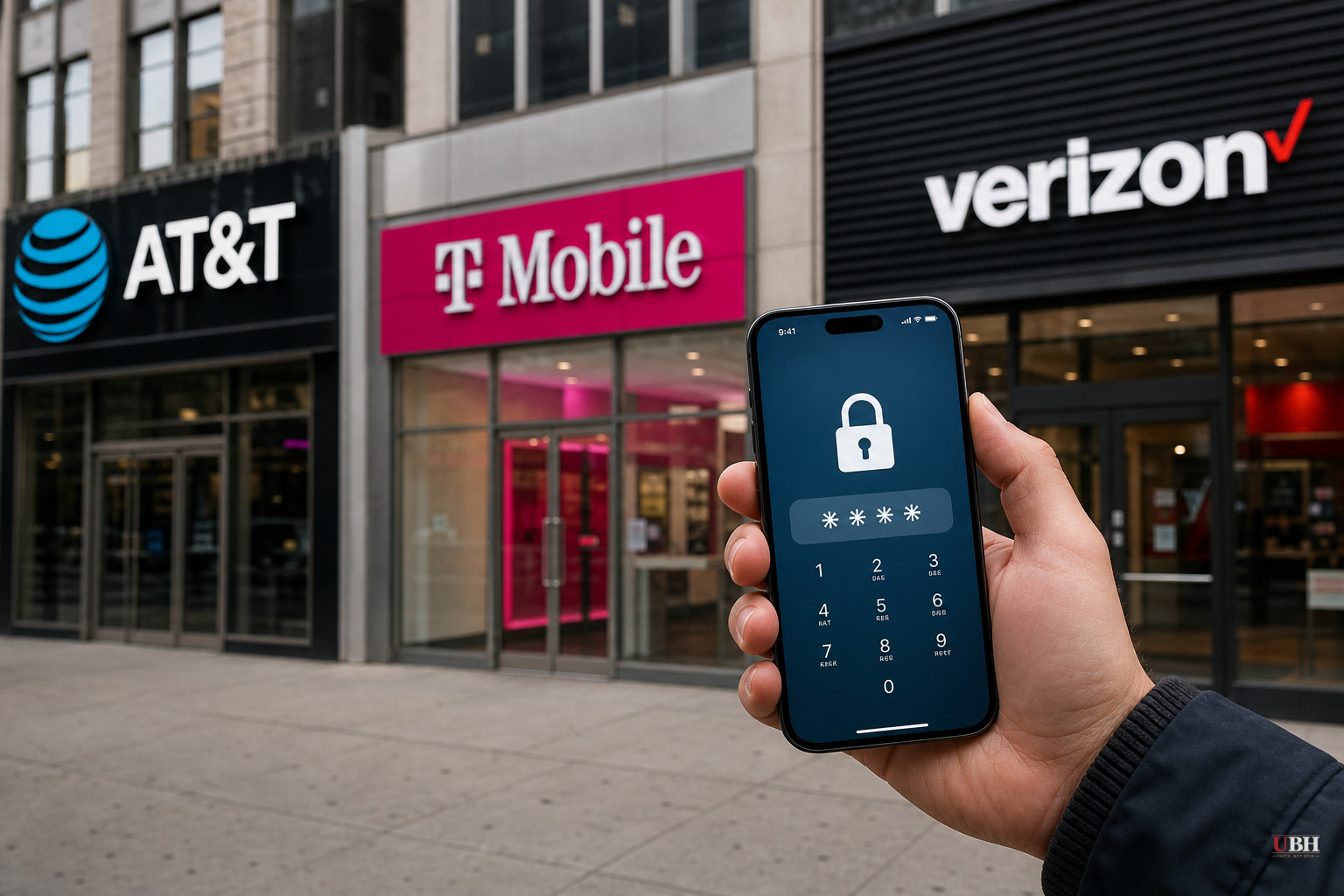
Your phone number is a bigger vulnerability than most people realize. If a criminal convinces your carrier to move your number onto a SIM card they control, they can intercept your calls and texts, including the two-factor authentication codes banks, email providers, and crypto exchanges send to verify it's really you.
That's SIM swapping, and according to ZDNET, it's become common enough that AT&T, T-Mobile, and Verizon have all built dedicated defenses into their apps and websites. The catch: those defenses are opt-in. Nobody flips the switch for you.
How the Scam Actually Works
There are two main paths, according to ZDNET's reporting. In the first, a scammer poses as you and talks a carrier's customer service system into porting your number to a new device. In the second, criminals have directly offered money to employees at carriers like Verizon and T-Mobile to perform the swap for them.
Once the number moves, the attacker isn't just reading your texts. They're now positioned to reset passwords, approve login attempts, and take over bank accounts, email, and social media, because so much of the internet still treats a text message as proof of identity.
What Verizon Customers Can Turn On
Verizon offers two separate settings. SIM Protection blocks any unauthorized SIM or device change on your line until you personally disable it. Number Lock separately blocks unauthorized transfers of your actual phone number.
To enable both through the Verizon website: log in, click Account, then Account overview, then Profile and settings. Under the Security section, click SIM Protection, turn it on for every line on the plan, and hit Save Changes. Then go back and repeat the process for Number Lock.
In the My Verizon app, the path is similar: tap Profile and settings from the Me screen, scroll to Security, and toggle on SIM Protection and Number Lock for each line.
Verizon also offers a passkey option instead of a password, and a secret question feature that reps can use to verify identity over the phone, according to ZDNET.
T-Mobile and AT&T Have Their Own Versions
ZDNET's reporting confirms all three major carriers provide account-level protections against SIM swaps. T-Mobile and AT&T both offer comparable account lock or PIN-based verification features designed to stop an unauthorized SIM change before it happens. These tools exist, they're free, and they're switched off by default.
Why This Matters
There's no good reason carriers make you dig through settings menus to protect yourself from account takeover. Two-factor authentication built on SMS is standard across banking apps, email providers, and government portals. If that layer gets hijacked, everything behind it is exposed.
Carriers will point out, fairly, that fully automatic locking could create its own headaches, like locking out legitimate customers switching phones or providers without proper verification. But the industry has clearly decided the convenience of an easy port-out process is worth more, by default, than blocking scammers up front. Customers who want the stronger setting have to know it exists and go find it.
What To Do Right Now
If you're on Verizon, T-Mobile, or AT&T, log into your account today and look for the SIM protection, number lock, or account PIN settings ZDNET outlines. It takes a few minutes. Also worth doing: move critical accounts, banking, primary email, off SMS-based two-factor authentication entirely and onto an authenticator app or hardware key, since those can't be intercepted through a SIM swap at all.
None of the three carriers named in this reporting have announced plans to make these protections the default setting for new or existing customers. Until that changes, the burden sits entirely on the customer to find the switch and flip it.
Sources used for this briefing
1 link from 1 independent newsroom (syndicated copies of the same report count once)
These are the sources it draws on, linked so you can verify.