
Unbiased headlines. Facts, not spin.
Every story is an unbiased news briefing written from 110+ sources across the spectrum — sources linked so you can verify it yourself.
 tech
Low Interest (2/10)
May 16, 2026 at 11:14 PM
tech
Low Interest (2/10)
May 16, 2026 at 11:14 PM
Amazon Cuts Support for 13 Older Kindle Models on May 20 — Users Are Jailbreaking Instead of Buying New
What Amazon Is Actually Cutting Off
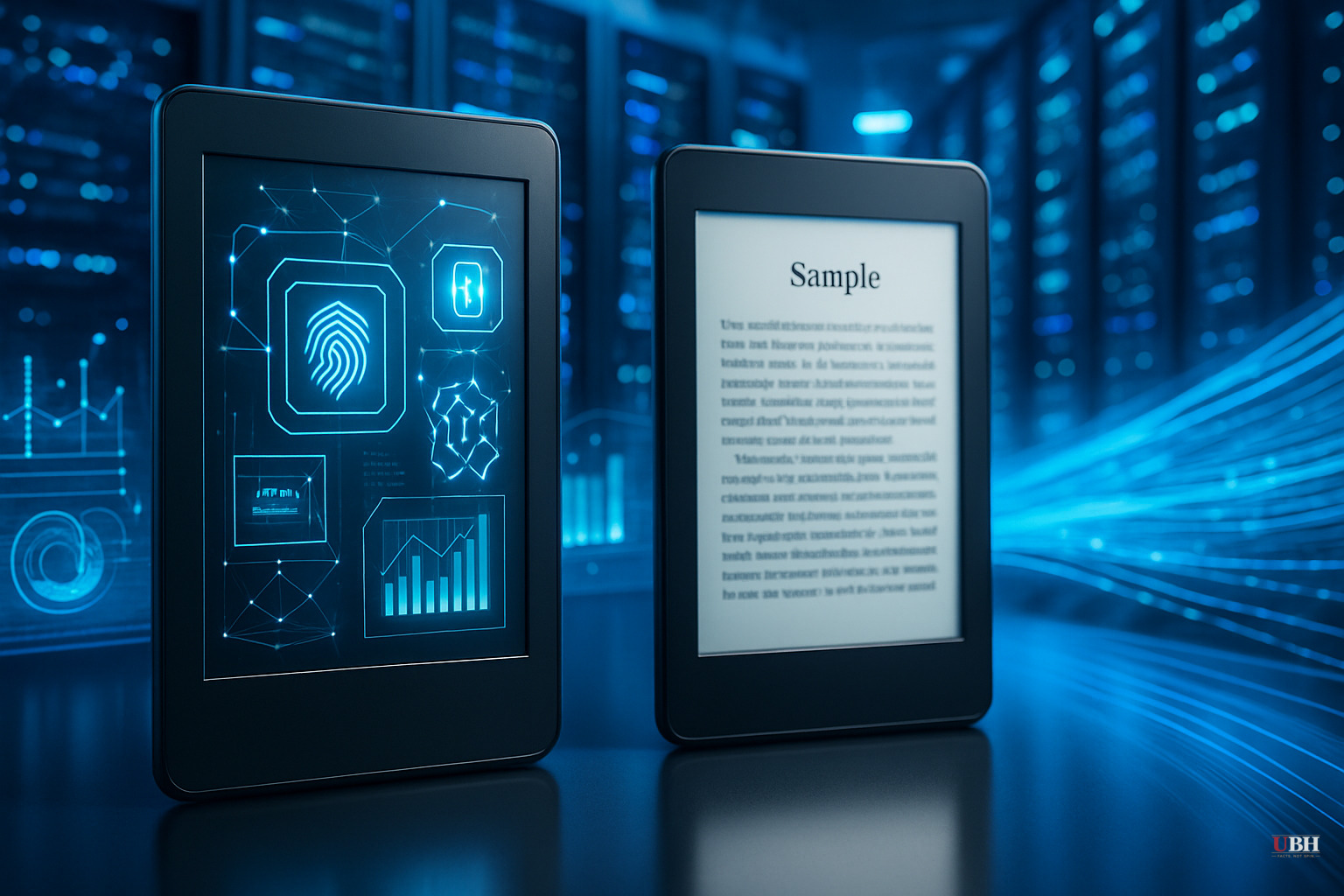
Starting May 20, 2026, Amazon ends technical support for 13 devices, according to TechCrunch. The full list: Kindle 1st through 5th Generation, Kindle DX, Kindle DX Graphite, Kindle Keyboard, Kindle Touch, Kindle Paperwhite 1st Generation, Kindle Fire 1st and 2nd Generation, Kindle Fire HD 7, and Kindle Fire HD 8.9.
Support ending means no more firmware updates, no more Kindle Store access, no more borrowing from libraries, no more Send to Kindle. If it's already downloaded to your device, you can still read it. That's it.
This is NOT a remote wipe. Amazon isn't bricking your device. But they are severing the commercial pipeline that made the Kindle useful as more than a static reading device.
Give Credit Where It's Due
Before piling on Amazon, acknowledge something most coverage overlooks.
Fourteen years of support is extraordinary. According to BigGo Finance, the original Kindle launched in 2007 — before Barack Obama's first term, before the 2008 financial crisis. Amazon kept the lights on for these devices far longer than any smartphone maker on earth. Google and Samsung just recently made headlines by promising seven years of updates. Apple typically delivers five to six. Amazon delivered fourteen on some models.
This isn't a corporate betrayal. It's the end of an unusually generous support runway.
The Real Story
The device still works. The hardware is fine. The screen still displays e-ink. The battery still charges. The problem is purely software — Amazon's decision to cut the commercial connection.
That's why users are pushing back by jailbreaking.
Jailbreaking a Kindle means bypassing Amazon's software restrictions to install custom apps, fonts, screensavers, and alternative reading software. As TechCrunch explains, the process typically involves disabling Wi-Fi to prevent Amazon from patching vulnerabilities, downloading a jailbreak package from trusted forums like MobileRead Forum, copying the necessary files to the device via USB, and running an installation command. After that, users install KUAL (Kindle Unified Application Launcher) to manage apps, and many then install KOReader — a free, open-source e-book reader that supports far more file formats than Amazon's native software.
ZDNET's Maria Diaz jailbroke her own old Kindle and documented the process firsthand. Her verdict: it works, but there are real risks. A failed jailbreak can render the device completely unusable. Not every firmware version is compatible. And yes, it likely violates Amazon's terms of service — though in most U.S. jurisdictions, jailbreaking for personal use is NOT a criminal offense.
What Mainstream Coverage Misses
Most tech outlets frame this as either a consumer rights crisis or a jailbreaking tutorial. Both framings overlook the bigger issue.
This is a direct argument for right to repair and software freedom.
You paid for the hardware. It still physically functions. The only thing stopping you from using it is Amazon's software gatekeeping. The jailbreaking community exists precisely because companies increasingly sell you a device but retain control over what it does. That's a legitimate problem — not just for Kindle owners, but for anyone who owns a smart TV, a game console, or a phone.
NewsBytesApp briefly mentions sideloading e-books over USB as a simpler alternative. You don't have to jailbreak to load content you already own. You can connect the device via USB and transfer files directly, no jailbreak required. That option is getting buried under jailbreak tutorials.
Also overlooked: the Boox Palma and devices made by Vivlio are legitimate upgrades if you want an open Android-based e-reader that doesn't lock you into any single ecosystem from day one. If you're done with the Amazon walled garden, there are exits.
Who This Actually Hurts
The people most affected by this cutoff are not tech-savvy enough to jailbreak anything. They're the readers who bought a Kindle Keyboard in 2011, learned how to buy books from the store, and have been doing exactly that ever since — because it worked.
Those users are now stuck. Their device won't let them buy new books. Jailbreaking is beyond them. And Amazon's answer is: buy a new Kindle.
A base Kindle currently retails for around $100. A Paperwhite runs $140 to $200. For someone on a fixed income who bought a $79 Kindle in 2010 and has been happily using it for 15 years, that's real money being extracted by a company worth over $2 trillion.
What You Should Actually Do
If you have a supported older Kindle and want to keep using it:
Option 1 — Do nothing. Everything already downloaded still works. Read what you have.
Option 2 — Sideload via USB. Transfer e-books from your computer directly. No jailbreak needed.
Option 3 — Jailbreak carefully. Research your specific model and firmware version on MobileRead Forum before touching anything. One wrong step bricks the device.
Option 4 — Upgrade. A new Kindle Paperwhite or a Boox device gets you back in business cleanly.
Amazon played the long game with these devices. Fourteen years is fair. The fact that a working piece of hardware becomes commercially neutered the moment a company decides to flip a switch — that's worth examining.
Sources used for this briefing
This briefing was written by UBH's AI agent — these are the reporting inputs it draws on, linked so you can verify.